
Appingine
Let's Discuss Your Tech Solutions

Camilla Lawrance

 06/19/2026
The key to a fantastic in-app experience is a mobile technology stack. The precise mix of languages, tools, and APIs affects everything from how quickly your project operates to how much it costs to construct. Additionally, consumers will no longer accept "good enough" due to the fierce competition between iOS and Android.
To truly stand out, developers have a new mandate: integrate smart, predictive AI and machine learning directly into their existing tech stacks without breaking stride.
Ready to learn how to cook up a smarter app? Let's dissect it. But first, let's explore the vast array of mobile app development options.
It is essential to agree on the nature of the "app" before making snap judgments about the mobile app development technology stack. The following is a brief description of the three main categories of mobile apps that are pertinent to this discussion:
They identify programs designed to operate on a certain operating system. Native iOS apps won't function on Android, and vice versa. A mobile app technology stack selected for a native OS has a big advantage. For example, they can extract more information from integrated mobile elements like the GPS, camera, and movement detector.
Updates to software can be sent without any concern. Native apps can be slightly more expensive to develop, but they make up for it in areas like software optimization and user preference.
It is a multipurpose program that functions just as well on iOS and Android. On both operating systems, the software's code and sequence remain intact and function flawlessly. Because it takes less time and resources to create a unified block of code, they are very beneficial to teams that are on a tight budget. Its advantages, however, usually have a drawback in that native apps are of higher quality. The process of creating cross-platform mobile applications necessitates much greater service support in the form of version upgrades.
Hybrid apps take the best form-factor out of native apps and combine them with the advantages of web apps: websites running on the Internet and not installed on a device. They are deployed using a native container with the help of a mobile WebView object. When the app is called to action, this object shares the content using a stack for mobile app development built on CSS, HTML5, and JavaScript.
App development services working with an agile mindset report multiple benefits of modeling hybrid apps. For starters, the code is written-once-used-anywhere which reduces development costs and resources.
| Parameters | Native App | Cross-Platform App | Hybrid App |
|---|---|---|---|
| Speed | ✔️ | ||
| User Experience | ✔️ | ✔️ | |
| APP STORE DISTRIBUTION | ✔️ | ✔️ | |
| PERFORMANCE | ✔️ | ✔️ | |
| DEVELOPMENT COST | ✔️ | ✔️ | |
| MULTIPLATFORM SUPPORT | ✔️ | ✔️ |
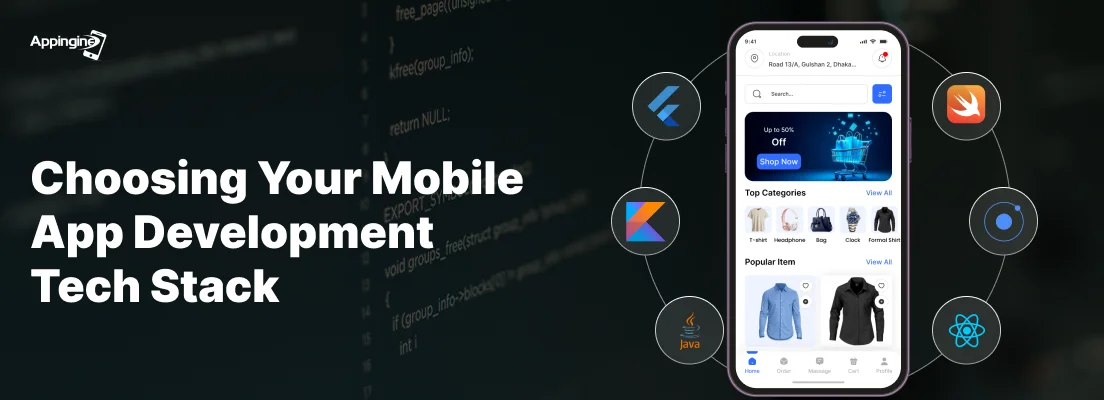
You will ultimately choose one of the aforementioned categories to develop the basic elements of your app based on the descriptions above. The following mobile app development technologies will help you firmly establish the fundamentals of a tech stack for app development and learn "what is a technology stack".
Not sure which tech stack fits your app? Read this before writing a single line of code.
Programming Languages used: Java, Kotlin
Before Kotlin took its place, Java was the best option suggested by expert developers for Android mobile app development. Learning, compiling, and debugging are all simple. By default, Java code is made to be reused in standard programs. Because it is platform-independent, it can operate on any hardware as long as the user has a JVM installed. However, because of its flaws, Google stopped using it and switched to Kotlin. One of the main points of criticism has been Java's memory use, which makes it run slower than other native languages. This is due in part to its garbage collector-based memory management techniques, which slow down applications.
| Features | Java | Kotlin |
|---|---|---|
| Fully OOP(Object-Oriented Programming) | Not pure OOP | Fully OOP |
| Null Safety | No | Yes |
| Checked Exception | Yes | No |
| Invariant Array | No | Yes |
| Smart Casts | No | Yes |
| Lambda Expression | No | Yes |
| Singletons Object | Yes | Easily create Singleton objects |
| Functional Reactive Programming | No | Yes |
Java code is noticeably lengthy, but Kotlin code is far more concise. Innovative micro-interactions and in-app screen transitions will be challenging for an Android app's tech stack that selects Java over Kotlin. Because it works with several IDEs, including Android Studio, Kotlin is simpler to maintain.
Toolkit: Android Studio, Android Developer Tools
The purpose of Android Studio is to provide developers with the flexibility to construct high-performance applications. Faster ideation and iteration is the foundation of the entire IDE. Programmers can get around APKs for multi-device compatibility using its grade-based builds and project structure.
Programming Language – Objective-C, Swift
Prior to Apple introducing Swift to maintain its competitive advantage over Google, Objective-C was the standard for iOS mobile app development. Because of its straightforward syntax, Swift has many advantages over Objective-C, one of which is code readability. Because clean code is simpler to debug and maintain, it is also safer. It is now listed as one of the best programming languages to think about in 2026 and beyond.
| Objective-C | Swift |
|---|---|
| Semicolons required | Types are inferred |
| Types must be declared | Functions are first class objects |
| Header files | Collections are typed using generics |
| Pointers | Simple string manipulation |
| KVO and custom setters | Memory is managed automatically |
Toolkit – Xcode
If you want to use Swift as your programming language, Xcode is the IDE for the iOS tech stack. It is possible to develop desktop and mobile applications. Additionally, beta versions of stock Apple software, including iOS, iPadOS, macOS, watchOS, and tvOS, are available for download and testing. Additionally, they include an editor for creating visually appealing user interfaces and built-in support for GitHub and internal documentation.
Cross-platform app development reduces development time significantly by using the same code base for many devices. These are the most popular frameworks for developing cross-platform applications.
With the help of the JavaScript-based framework React Native, you can make apps that look and feel like native apps. Compared to other frameworks, React native apps are far more stable. It is appropriate for cross-platform app development because to its extensive support for third-party libraries and pre-loaded JavaScript packages. React Native is a solid choice because of its code reusability, design possibilities for beautiful user interfaces, and community technical assistance.
Instagram and Skype both use React Native.
Because error detection is comparatively simpler, TypeScript could also be taken into consideration when writing code for React components. For end users, it makes the apps safer.
Another open-source platform that allows for greater code sharing between cross-platform apps is Xamarin. For iOS, Android, and Windows apps, a single code-base user interface may be created using the Xamarin.Forms UI framework. Its main programming language is C#. Slack and Pinterest are two well-known Xamarin apps.
| Criteria | Xamarin |
|---|---|
| Development Cost | Low to Reasonable |
| Development Time | Reasonable |
| App Portability | High |
| Native Functionality | The performance of Xamarin on iOS, Android, and Windows devices is stable |
| Native User Interface | It provides the ability to create individual user interfaces for different platforms |
| Data Amount | It is possible to display a large amount of data |
| Launch Time | It allows performing high-speed launching |
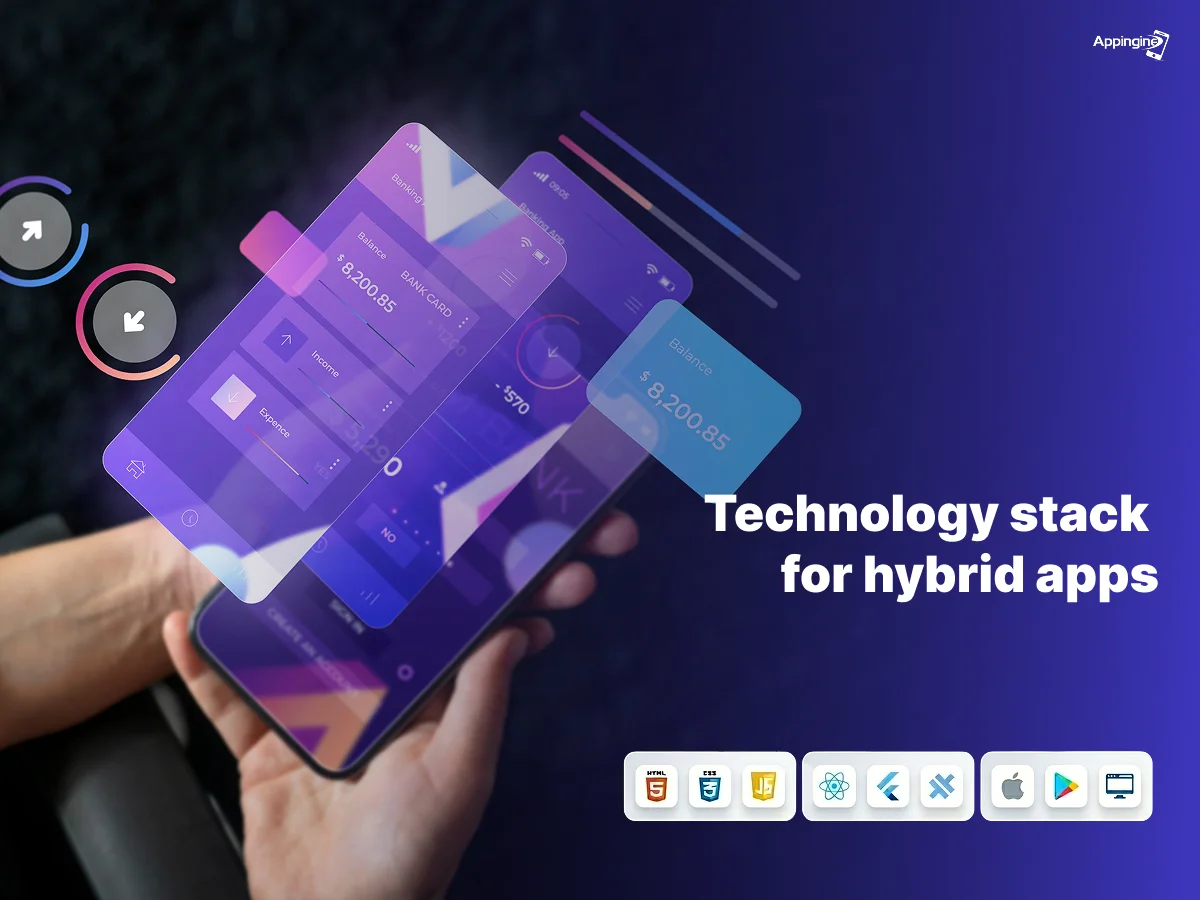
Now let's examine the stacks that the majority of mobile app development companies use for hybrid apps.
Developers can freely utilize technologies like HTML5, CSS3, and JavaScript using Apache Cordova. Numerous popular operating systems, including Windows, iOS, Android, and Ubuntu, are supported. You simply need to write the source code once when using its device installer format, and then pack it for the appropriate operating systems. For hybrid apps, Cordova's pre-made app templates with ready-to-use code bases reduce development time. Plugins for this open-source platform enable applications to access hardware features like the camera, GPS, and file systems on a device.
For modeling Progressive Web Apps (PWAs), this Angular-JS framework is recommended. Its feature-rich library of UI components makes it easy for a mobile app development company to design high-spec apps. Ionic apps can easily integrate with AWS, Azure, and Firebase and are pre-configured to manage cloud workloads. Every stage of the app lifecycle is automated by the IDE-Appflow, a plug-and-play set of Mobile DevOps services. You might picture the help in the event of technical problems given that Ionic has a global community of five million developers. For PWA development, the ionic framework is typically chosen.
Being a mobile application development company in the USA we can state with authority that a tech stack cannot be a one size fits all mindset. Each toolset should be rendered as per the project requirement. Go to the drawing board and estimate your resources based on the following factors:
Make a list of every need that your app should have. After determining its nature, native, cross-platform, and hybrid set the standard for its external architecture and integral specs.
"Budget" is the big issue that needs to be resolved. You can modify the stack to suit your demands after completing the app's functionality and estimating the necessary costs.
At Appingine, a mobile application development business that has won numerous awards, we take deadlines very seriously. This we use to determine which tool sets to use in order to complete the task on schedule. We advise doing the same as others.
Be serious about this. Data sharing between third-party apps is still hampered by worries about cyber crime. Try to shut down any backdoor entries in your program that can provide malicious actors access to user data.
Struggling with your mobile app development? Get expert help today.
Selecting the right mobile app development tech stack is a critical decision that directly impacts an application's performance, user experience, development cost, and scalability. Native apps offer superior speed and optimization, while cross-platform and hybrid solutions provide cost-effective and faster development through code reusability.
For Android development, Kotlin has emerged as the preferred language over Java, whereas Swift remains the leading choice for iOS applications. Frameworks such as React Native, Xamarin, Cordova, and Ionic further expand development options based on project requirements. Ultimately, the ideal tech stack should be chosen after carefully evaluating the app's goals, budget, timeline, security needs, and third-party integration requirements to ensure long-term success.

Tel: +1 (800) 453-1297
Email: [email protected]
Main Office:
4929 Wilshire Blvd, Los Angeles, CA 90010
© 2026 Appingine. All Rights Reserved.
